

Resident Inspect® + AppFolio Integration
Your AppFolio Data. Your Inspection Schedule. Inspections Done for You.
Connect AppFolio to Resident Inspect® to bring your property, tenant and lease information into your Client Portal, then plan inspections across your portfolio from records you already maintain.
We handle resident coordination, live guided virtual inspections, and professional reports—so your team can keep inspections moving without managing every step.
Four claims on this page need confirming before it goes live
This page mirrors the structure of the Rentvine integration page. The Resident Inspect side of it (done-for-you inspections, app-free resident experience, branded reports, pricing) is product-wide and safe. These four are AppFolio-specific and are not yet verified:
- Configurable cadence across the portfolio — can AppFolio users set inspection timing portfolio-wide and per property, the way Rentvine users can?
- Automatic ordering — can orders trigger automatically from a configured schedule on AppFolio, or is ordering manual only?
- Month-to-month lease schedules — is the custom cadence option available on AppFolio?
- Automatic cancellation on notice to vacate — does the AppFolio connection surface notice-to-vacate so orders cancel automatically?
Each section below that depends on one of these is marked with an amber bar. Confirm or correct them, delete the markers and this banner, then publish. The previous draft of this page described AppFolio as a manual handoff with no connection at all, which the Resident Inspect OS announcement page now contradicts—so that wording needed resolving either way.
Less Data Entry. Less Tracking. Better Property Oversight.
Keeping up with periodic inspections takes more than remembering a date. Lease terms change, residents give notice, and different properties need different inspection schedules.
The Resident Inspect AppFolio connection brings your property information and inspection planning together in your Resident Inspect OS client portal. See what is due, plan for upcoming inspection volume, and put a repeatable inspection process in place across your portfolio.
Bring Your Property Information Across
Connect AppFolio to bring property, tenant and lease information into your Resident Inspect Client Portal, so inspection planning works from the records your team already keeps current.
AppFolio Stays Your System of Record
Leasing, accounting, maintenance and owner reporting carry on in AppFolio exactly as they do today. Nothing about your team’s workflow has to change.
A Specialist Runs Every Walkthrough
Not a tenant self-inspection and not an app your staff has to operate. A trained inspector guides the resident through the property on a live video call.
How the AppFolio Integration Works
Connect Your AppFolio Account
Link AppFolio from your Client Portal settings. Your property, tenant and lease information populates your portal.
Review What Is Coming Due
See which inspections are due and view anticipated inspection volume for the coming months, so you can plan ahead instead of reacting.
Order Your Inspections
Place inspection orders from the portal whenever you are ready.
Let Resident Inspect Handle the Inspection
Our team coordinates with the resident, conducts the live guided virtual inspection, and prepares your inspection report.
Access Reports and Manage Your Account
Find inspection reports, add users, view billing, and oversee your inspection program through your Client Portal—then keep the finished PDF alongside your other AppFolio records.

Connect AppFolio from Settings in your Resident Inspect Client Portal.
Needs confirming before publish. This whole section describes scheduling automation that is documented for Rentvine. Confirm which of these the AppFolio connection actually supports, then delete this bar.
Flexible Inspection Scheduling for Real-World Portfolios
Your properties do not all follow the same timeline. Your inspection program should reflect that. Set the cadence for your periodic rental inspections one property at a time or across the whole portfolio.
Portfolio-wide schedules
Apply a consistent inspection cadence across all properties without setting up each home individually.
Property-specific settings
Customize inspection timing for homes that need a different schedule.
Multiple schedules per property
Set more than one inspection schedule for a single property or apply multiple schedules across your portfolio.
Month-to-month lease options
Create a custom cadence for month-to-month residents so those homes remain part of your inspection program.
Automatic cancellation after notice to vacate
Automatically cancel inspection orders when a resident’s notice to vacate is reflected in your records, helping avoid unnecessary periodic inspections as a tenancy ends.
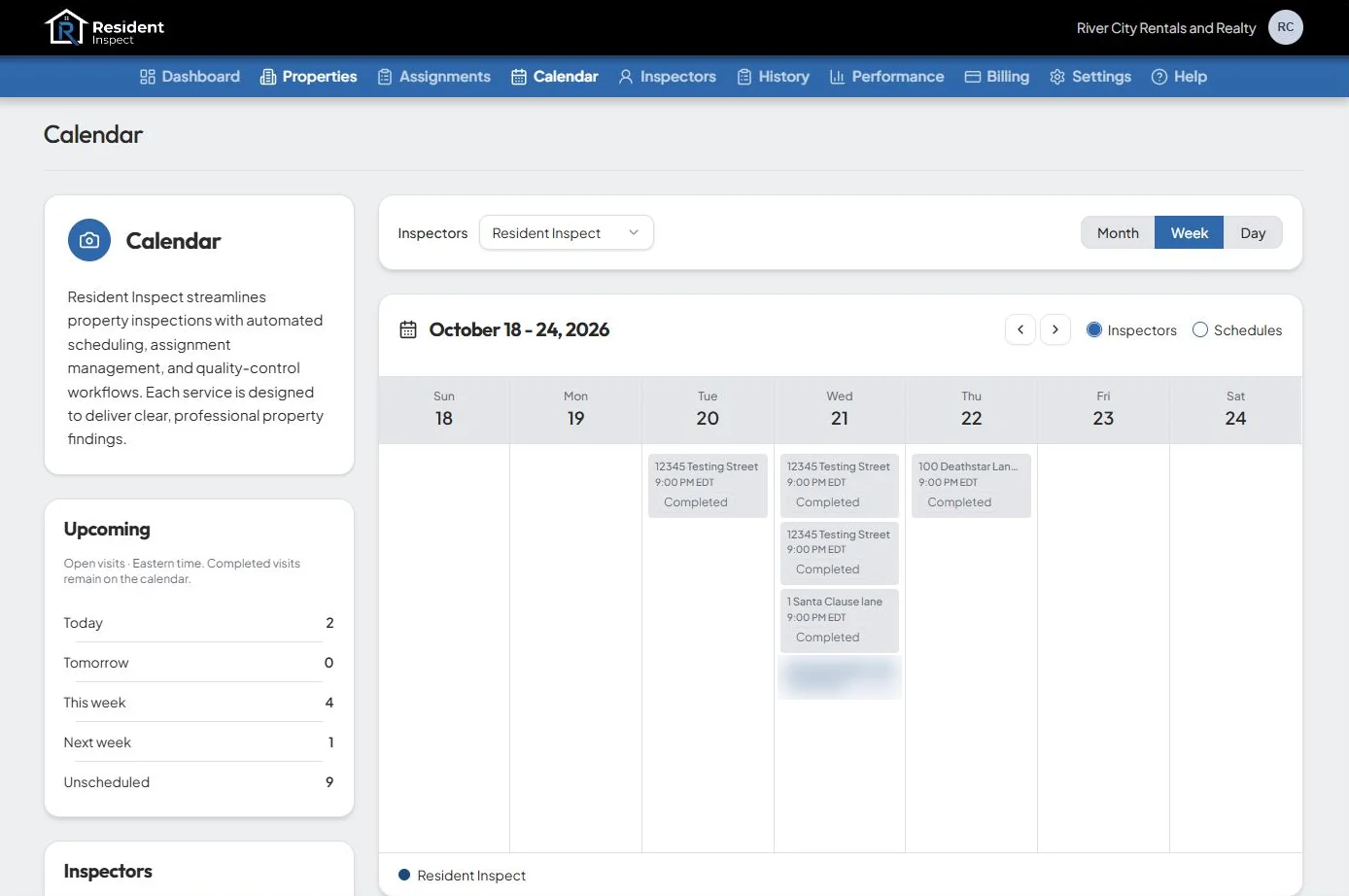
Calendar view in the Resident Inspect Client Portal: see scheduled, completed, and unscheduled inspections at a glance.
See What Is Due—and What Is Ahead
Give your team a clear view of current inspection needs and anticipated volume for the coming months. It all runs inside the Resident Inspect OS client portal.
Use the Client Portal to:
- Identify inspections that are due.
- Review upcoming inspection needs.
- Order inspections online.
- Access completed inspection reports.
- Add additional users.
- View billing information.
Needs confirming. The Rentvine version of this list also includes “Enable automatic ordering.” Add it back here if AppFolio supports it.
Spend less time piecing together lease records, spreadsheets, and inspection requests—and more time acting on what your properties need.
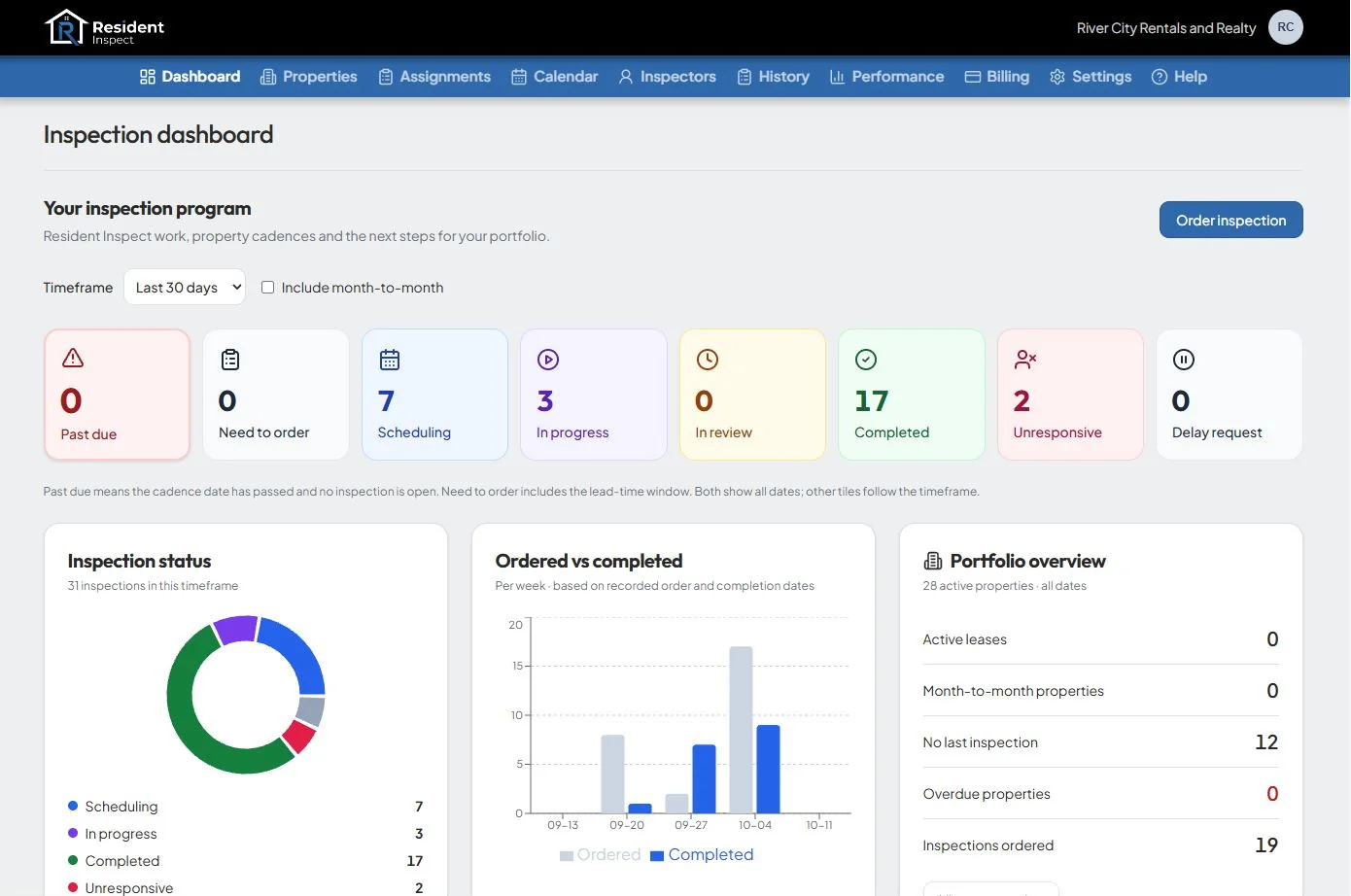
The inspection dashboard shows past due, scheduled, in-progress, and completed inspections plus a portfolio overview.
AppFolio Manages Your Portfolio. We Inspect It.
AppFolio has inspection tools your team or residents can operate—but someone still has to do the walkthrough, take the photos and produce the documentation. That is staff time, coordination and tenant willingness. Resident Inspect takes that part off your plate entirely.
- All tenant, lease and property records
- Rent collection and accounting
- Maintenance requests and work orders
- Owner portal and reporting
- Inspection reports, stored as documents
- Your existing team workflows and logins
- Scheduling and resident reminders
- The live video inspection, led by a trained specialist
- Real-time documentation and photo capture
- Flagging any items that need attention
- White-labeled report production
- Report delivery within one business day
For a closer look at why a guided walkthrough beats a resident doing it alone, see virtual inspections vs. tenant self-inspections, or compare inspection software options side by side.
Connected Data. Professional Inspections. Less Work for Your Team.
The integration helps organize when inspections should happen. Resident Inspect handles the work of completing them.
A trained inspector guides the resident through the property during a live video appointment, documents visible conditions, and prepares a professional report for your team to review.
You get a more consistent inspection process without sending your staff to every home.
An App-Free Experience for Your Residents
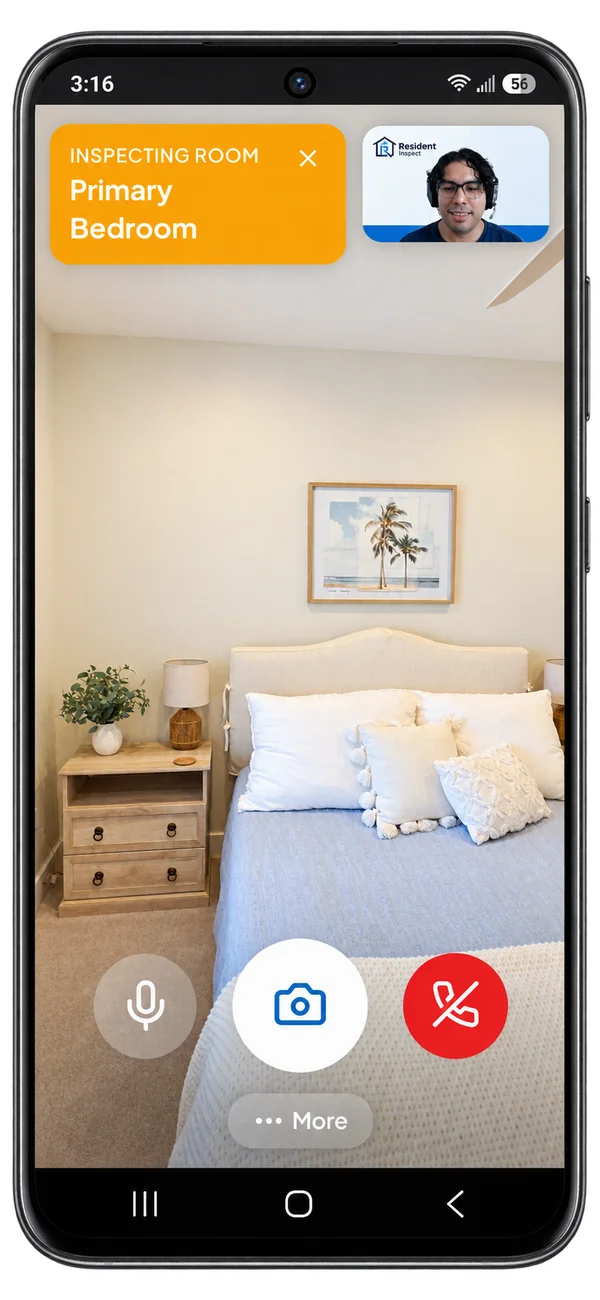
Residents join from a simple link on their phone—nothing to download, no account to create. Two-way video lets them see and talk with their inspector for a friendlier, more personal experience, while on-screen instructions show exactly which room to inspect next.
We Showcase Your Company—Not Ours
Your residents know your company, so that is who they should see. With our optional branding feature, your logo and brand colors appear on the video inspection call screen your residents join—keeping every touchpoint consistent with your brand.
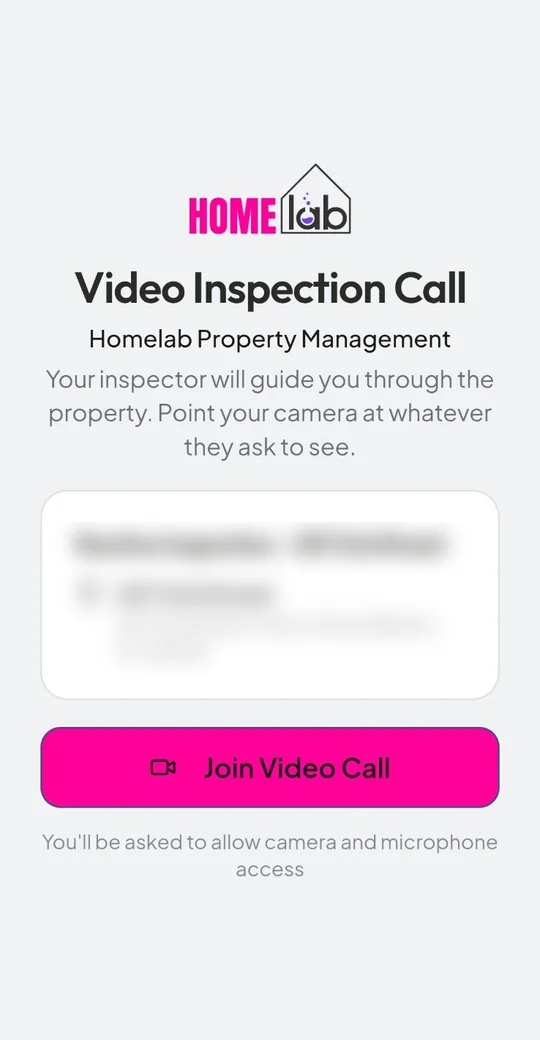
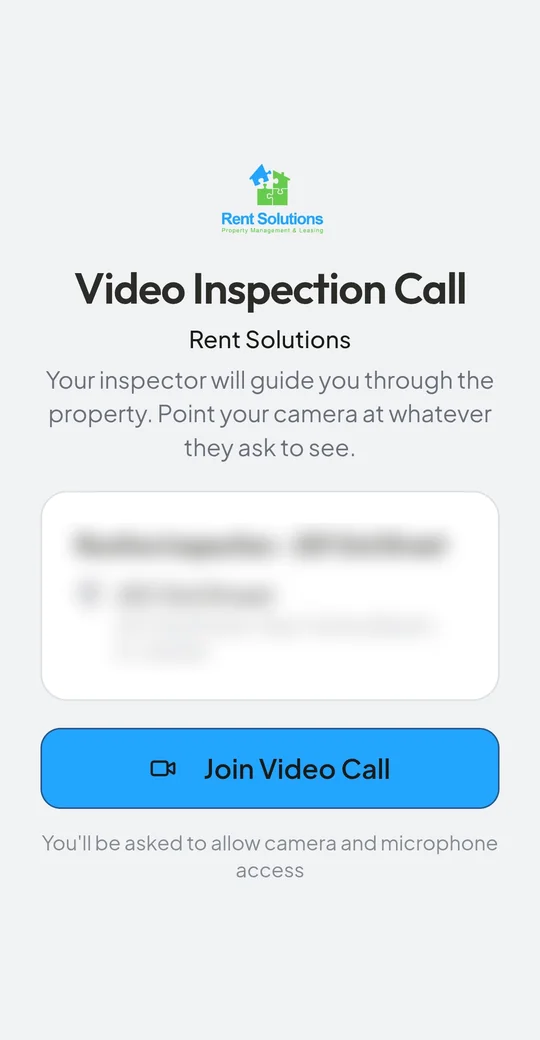
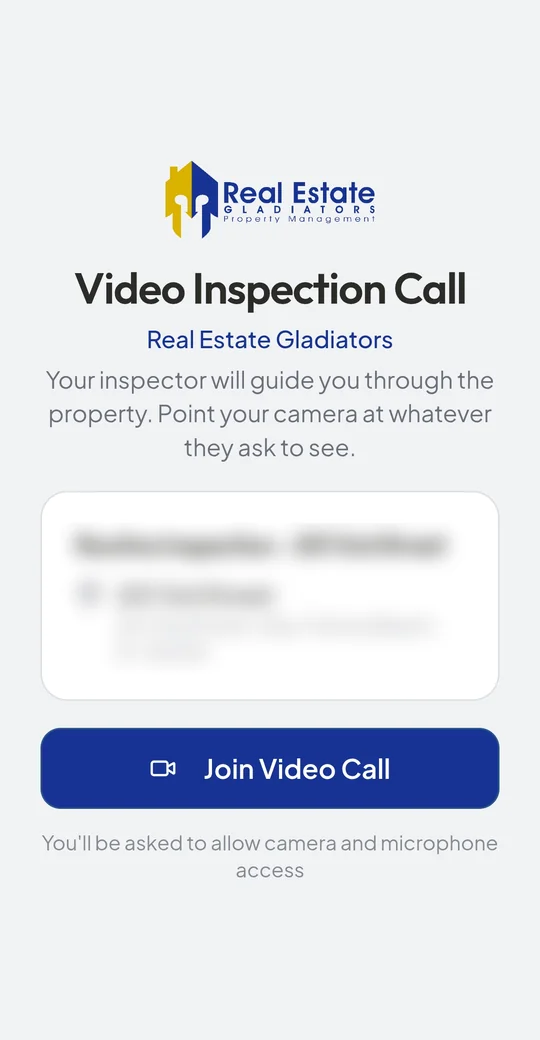
Examples of client-branded video inspection call screens.
Inspection Reports That Look Like Yours
Choose 1 of 7 report templates, then add your company logo and custom colors. Every customer-facing inspection report is delivered with your branding—ready to share with owners and residents, and ready to file alongside your AppFolio records.
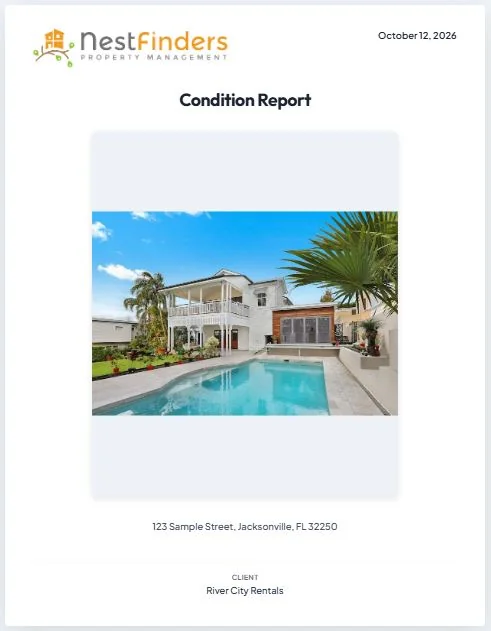
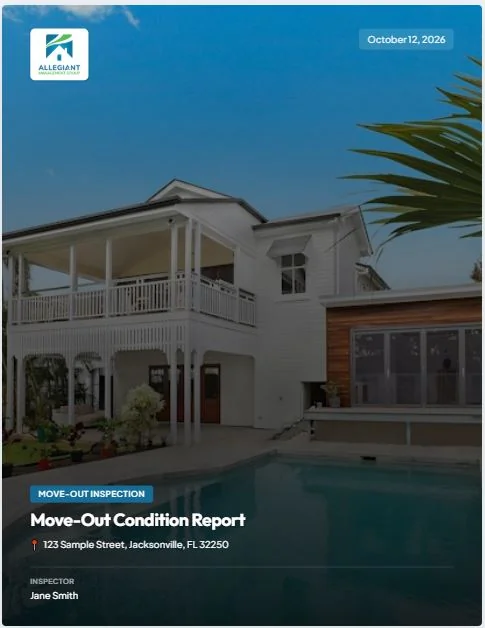
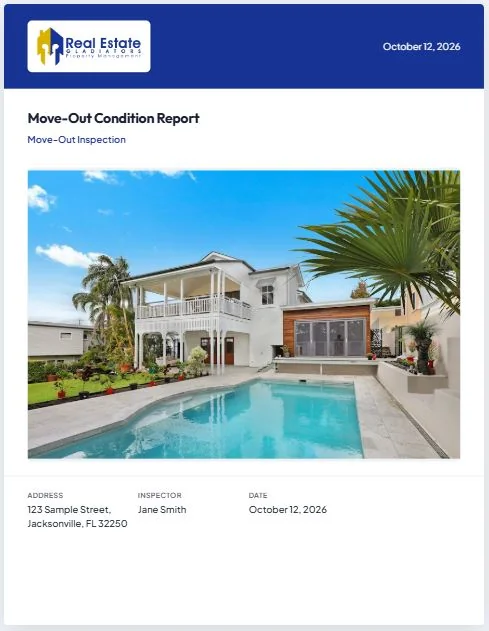
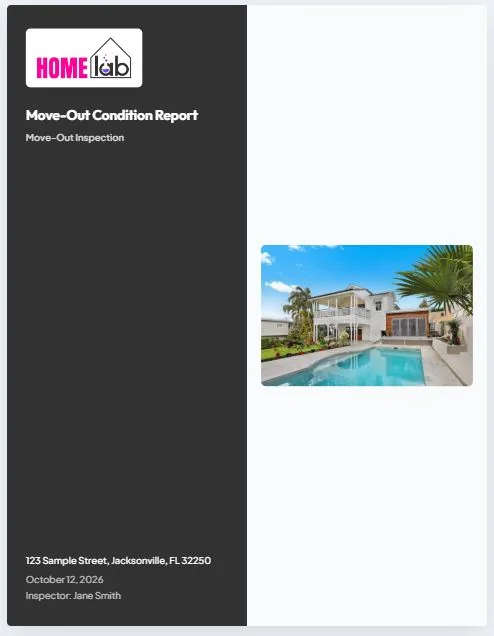
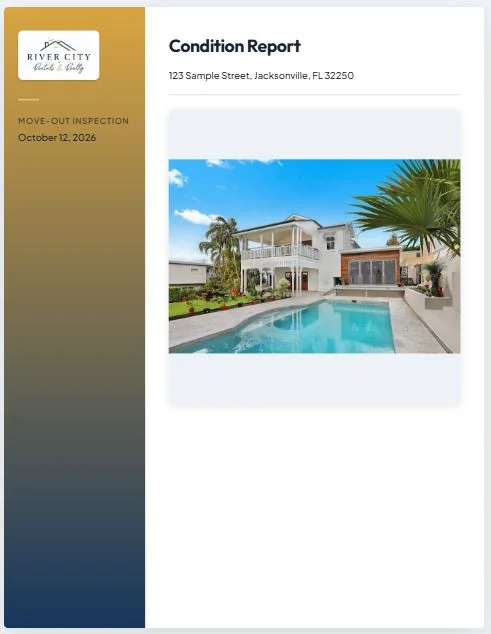
Sample report covers. Each template adapts to your logo and brand colors.
Simple, Per-Inspection Pricing
Pay per completed inspection with no setup fee. Every plan includes white-label branding, a dedicated account manager, and full resident scheduling—so your AppFolio-connected inspection program runs without adding work for your team.
Growth
- 5 inspections minimum per month
- Free one-time setup
- Recommended for 50+ doors
Scale
- 15 inspections minimum per month
- Free one-time setup
- Recommended for 150+ doors
Enterprise
- 100 inspections minimum per month
- Free one-time setup
- Recommended for 1,200+ doors
All plans include white-label branding, a dedicated account manager, resident scheduling, and a 90-day cancellation notice. Save 15% with an annual agreement.
AppFolio Integration FAQs
Does AppFolio do property inspections?
AppFolio includes inspection tools that your team or residents can use to conduct and document inspections within the platform. What AppFolio does not do is perform the inspection for you—that still requires your staff to travel to the property or your resident to self-inspect. Resident Inspect fills that gap: a trained specialist runs a live video walkthrough with your resident and delivers a finished, white-labeled report.
What information comes over from AppFolio?
Connecting AppFolio brings property, tenant and lease information into your Resident Inspect Client Portal, so inspection planning works from your current records instead of a separate spreadsheet.
Do I have to leave AppFolio to use Resident Inspect?
No. AppFolio stays your system of record for leasing, accounting and maintenance. Resident Inspect handles the inspection and delivers the report, which you keep alongside your other AppFolio records. Your team does not need to learn new software or change its AppFolio workflow.
Can inspection reports be added to AppFolio?
Yes. The white-labeled PDF report Resident Inspect delivers can be stored in AppFolio’s document management alongside the lease and other property records. Your AppFolio workflow does not change; the report becomes part of your existing record-keeping.
Is Resident Inspect better than AppFolio self-inspections?
AppFolio’s inspection tools are run by your team or residents, so documentation quality depends on whoever is holding the phone. Resident Inspect puts a trained specialist on a live video call for every walkthrough, so documentation is controlled and consistent and does not vary based on resident participation or staff availability. For a fuller comparison, see virtual inspections vs. tenant self-inspections.
Where do I access completed reports?
Completed inspection reports are available in your Resident Inspect Client Portal. You can also add users and view billing information there.
Not on AppFolio?
We also connect to Rentvine, and to Property Meld so inspections can be ordered from inside a work order. See the Rentvine inspection integration or the Property Meld integration.
Put Your Periodic Inspections on a Schedule You Can Manage.
Connect AppFolio, see what is due, and order your inspections. Resident Inspect takes care of resident coordination, the inspection, and the report.